Audio & wearables
12 Ways to Make Your Smartwatch Battery Last Longer
The biggest battery drains on a smartwatch are screen brightness, an always-on or raise-to-wake display, continuous heart-rate and blood-oxygen tracking, Bluetooth calls and constant notifications. Lowering brightness, limiting notifications and measuring heart rate less often can double the time between charges on many watches.
Battery claims on smartwatch listings are measured with light use. Real life is busier. These changes stretch the time between charges without giving up the features you actually use.
The biggest battery drains
| Feature | Battery impact |
|---|---|
| High screen brightness | High |
| Always-on display or raise-to-wake | High |
| Continuous heart rate and blood oxygen | Medium to high |
| Bluetooth calls on the watch | High while in use |
| Lots of notifications and vibrations | Medium |
| Workouts with GPS | High (on watches with their own GPS) |
12 ways to make the battery last longer
- Lower the brightness or use auto-brightness.
- Turn off always-on display if your watch has one.
- Disable raise-to-wake, or reduce its sensitivity, so the screen does not light up every time you move.
- Shorten the screen timeout to a few seconds.
- Measure heart rate less often in the companion app, for example every 10 or 30 minutes instead of continuously.
- Turn off continuous blood-oxygen tracking and measure it on demand.
- Limit notifications to the apps that matter: messages and calls, not every shopping app.
- Reduce vibration strength.
- Take long calls on your phone, not the watch.
- Use a simpler watch face: dark, static faces use less power than animated ones.
- Update the firmware through the companion app; updates often fix battery bugs.
- Use power-saving or airplane mode on trips when you only need time and steps.
Charging habits that keep the battery healthy
- Charge when it falls to around 20 to 30% rather than running it flat every time.
- Avoid heat: do not charge on a sunny windowsill or under a pillow.
- Clean the charging contacts with a dry cloth if charging becomes unreliable.
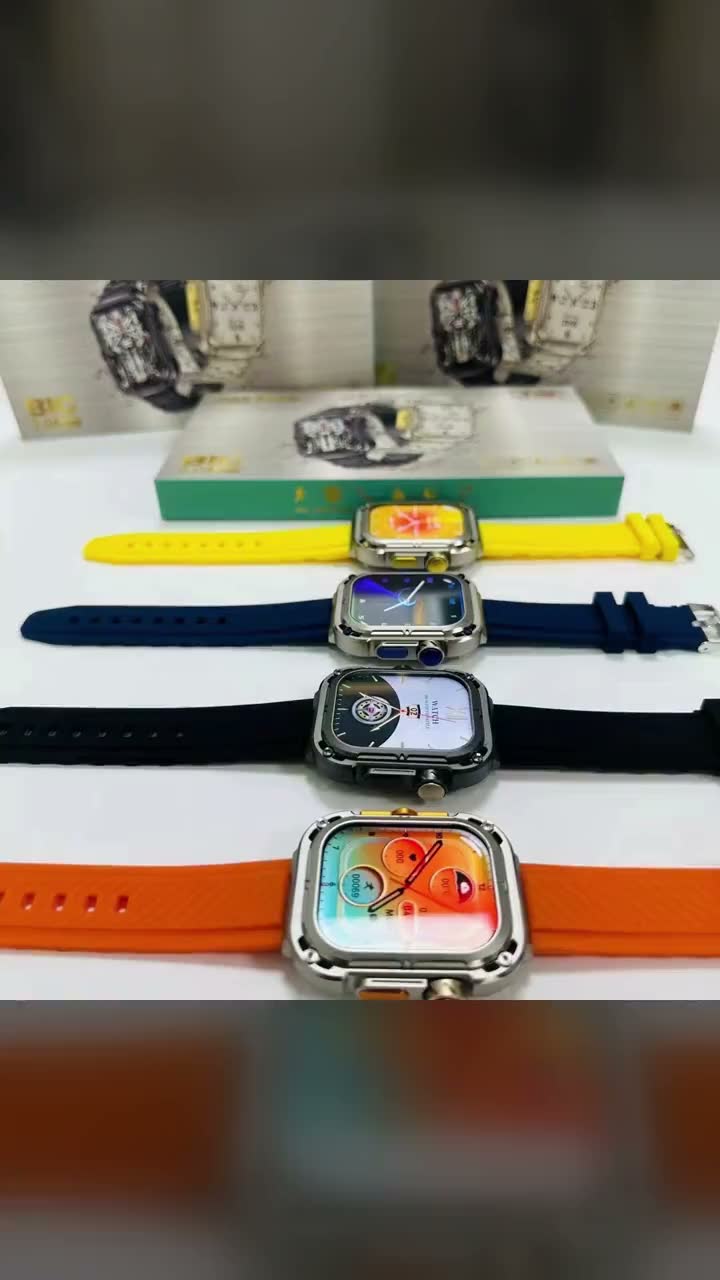 Bluetooth Calling Smart WatchListed at 7–14 days per charge depending on use.Watch the reel →
 Big Screen Smart BandIP68 with about 7 days of use and 15 days of standby listed.Watch the reel →
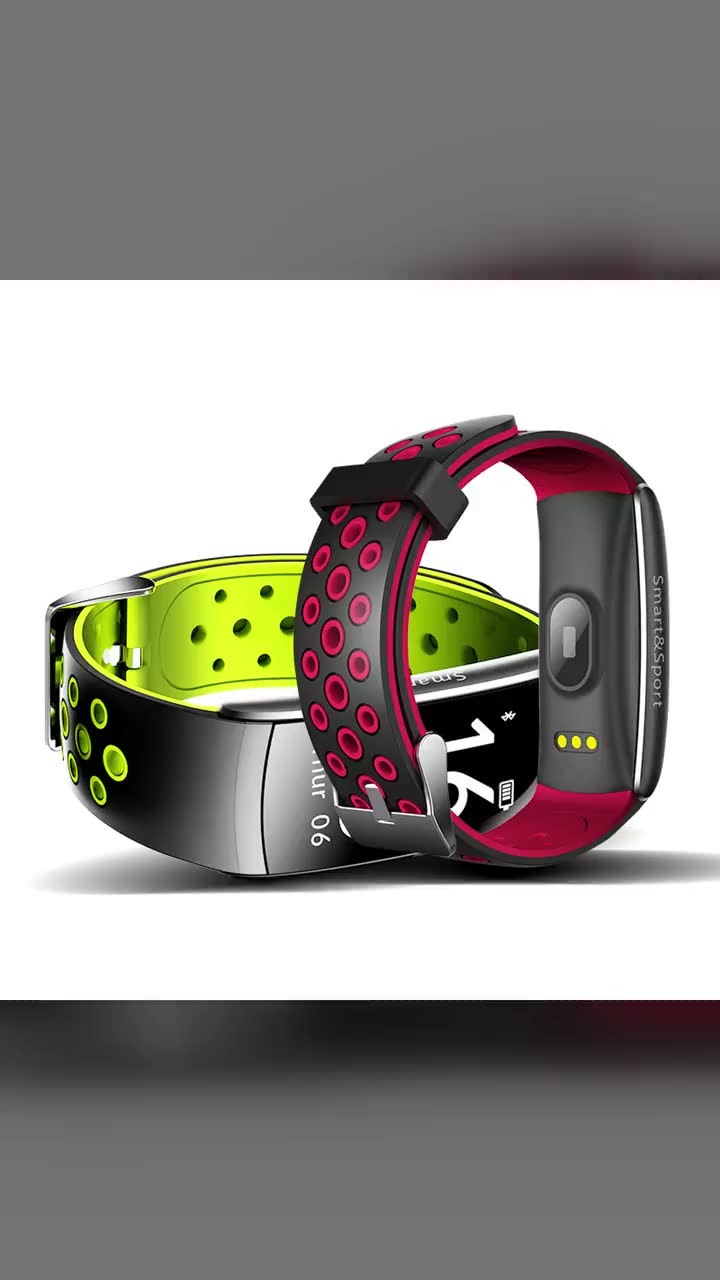 Bluetooth Waterproof Smart BandIP68 and about 10 days of listed standby.Watch the reel →
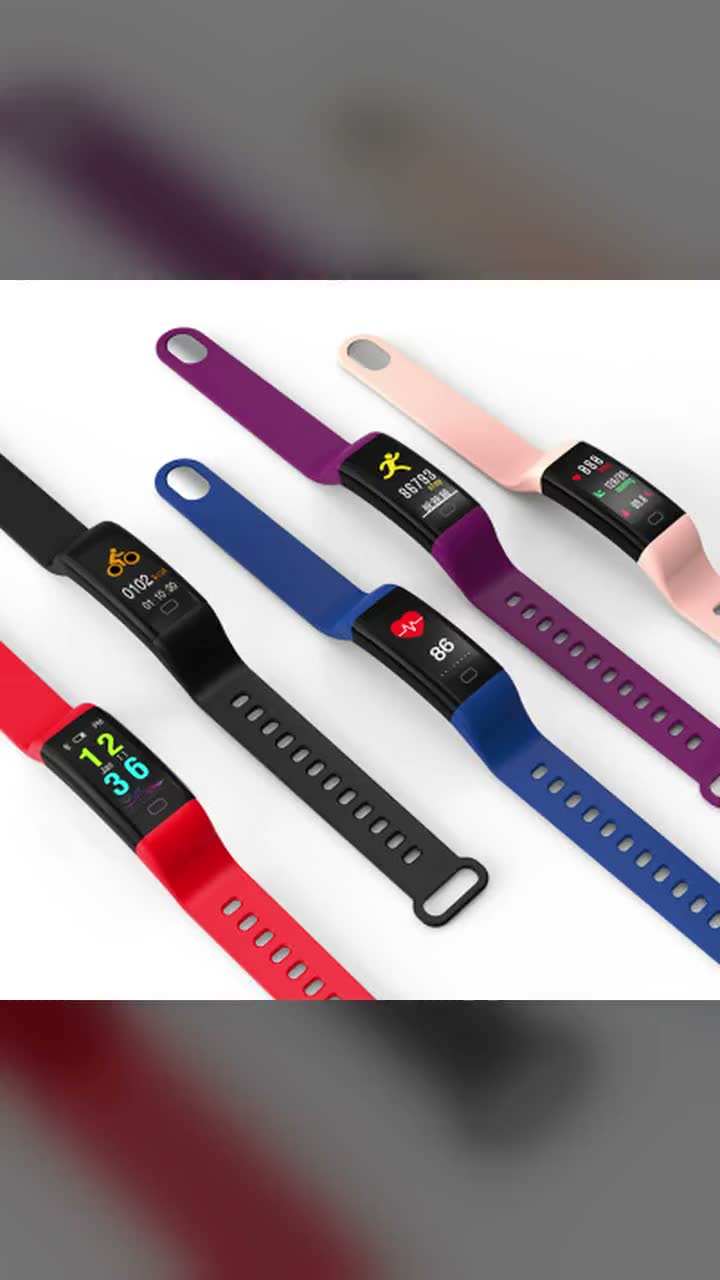
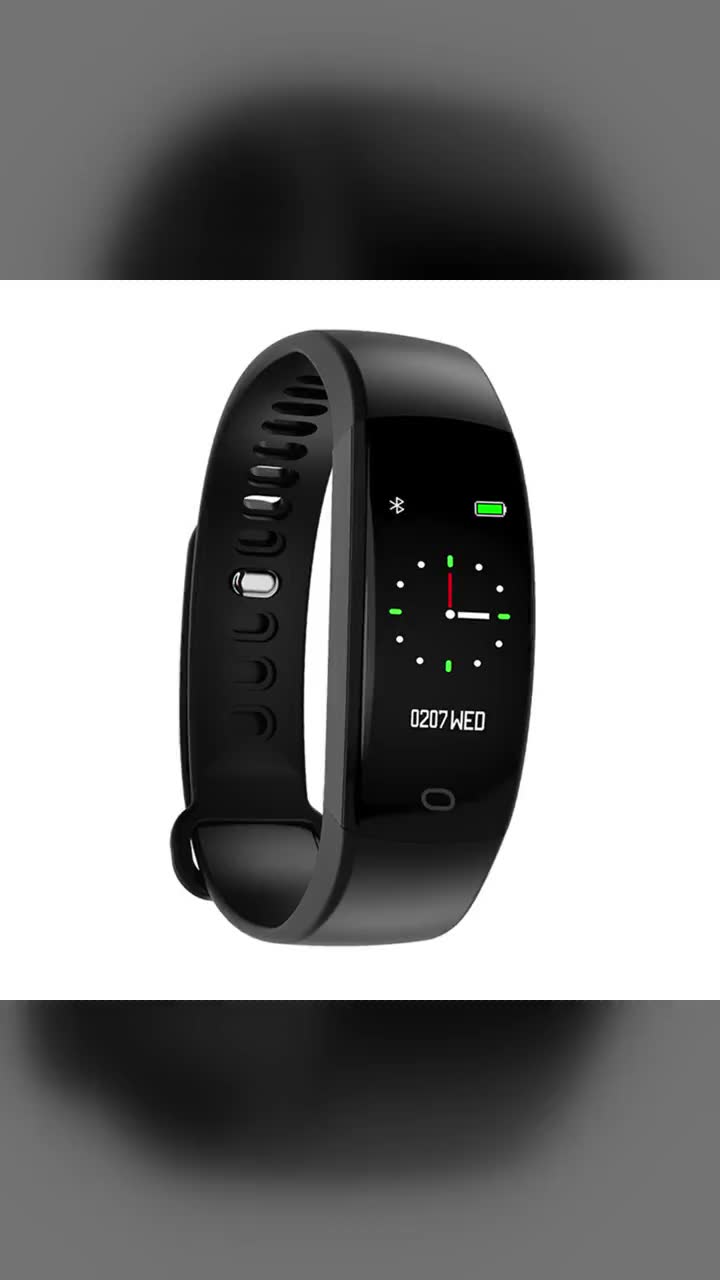 Long-Standby Heart Rate BraceletA colour-screen band sold for long standby.Watch the reel →
When to expect a short battery life
The first couple of days after pairing, watches sync data and update, so battery life looks worse. Judge it after a week of normal use.
Choosing a new one? Compare in smartwatch vs fitness band, and see how to pair a smartwatch with your phone.
Frequently asked questions
Why does my smartwatch battery drain so fast?
Usually because of high brightness, an always-on or raise-to-wake display, continuous heart-rate or blood-oxygen tracking, lots of notifications or Bluetooth calls. A new watch can also drain faster for the first few days while it syncs.
Should I charge my smartwatch every night?
Only if you need to. Topping up when it reaches around 20 to 30% is fine; avoid leaving it on the charger in a hot place for days.
Does turning off Bluetooth save smartwatch battery?
Yes, but you lose notifications and syncing. Airplane or power-saving modes are useful for long trips when you only need the time and steps.
How long should a smartwatch battery last?
It varies widely: simple fitness bands often last a week or more, while watches with big colour screens and calling may need charging every few days.