Smart home
Zigbee vs Wi-Fi: A Beginner's Guide to Building a Smart Home
Wi-Fi smart devices connect straight to your router with no hub and suit plugs and lights; Zigbee devices need a gateway but use far less power and suit battery sensors. Many homes use both in one app.
If you are starting a smart home, the first real decision is not which gadget to buy. It is how your devices will talk to each other. Most affordable smart-home products use either Wi-Fi or Zigbee, and many listings mention both. This guide explains the difference in plain terms, helps you choose, and finishes with a starter kit you can build from products on ReelShop.
Wi-Fi smart devices: simple, no hub
A Wi-Fi device joins your home network like a phone does. You install the app, connect the device to your router, and you are done. That makes Wi-Fi the easiest way to start.
- Good for: plugs, sockets, lights and anything that is always plugged in.
- Watch out for: battery-powered sensors on Wi-Fi drain batteries faster, and dozens of Wi-Fi devices can crowd a basic home router.
- Common setup trap: most smart devices only work on the 2.4 GHzband. If your router broadcasts a combined 2.4/5 GHz network and pairing keeps failing, temporarily separate the bands or use your router's 2.4 GHz network for setup.
Zigbee smart devices: low power, needs a gateway
Zigbee is a separate, low-power wireless standard designed for smart homes. Zigbee devices do not connect to your router directly. They connect to a small gateway (also called a hub or bridge), and the gateway connects to your network and app.
- Good for: battery sensors (doors, motion, water leaks) that can run for months on one battery.
- It builds a mesh: mains-powered Zigbee devices, such as smart plugs, usually repeat the signal for the devices around them. The more you add, the stronger coverage tends to get.
- Watch out for: you need a compatible gateway before anything works. Zigbee sensors cannot work on their own.
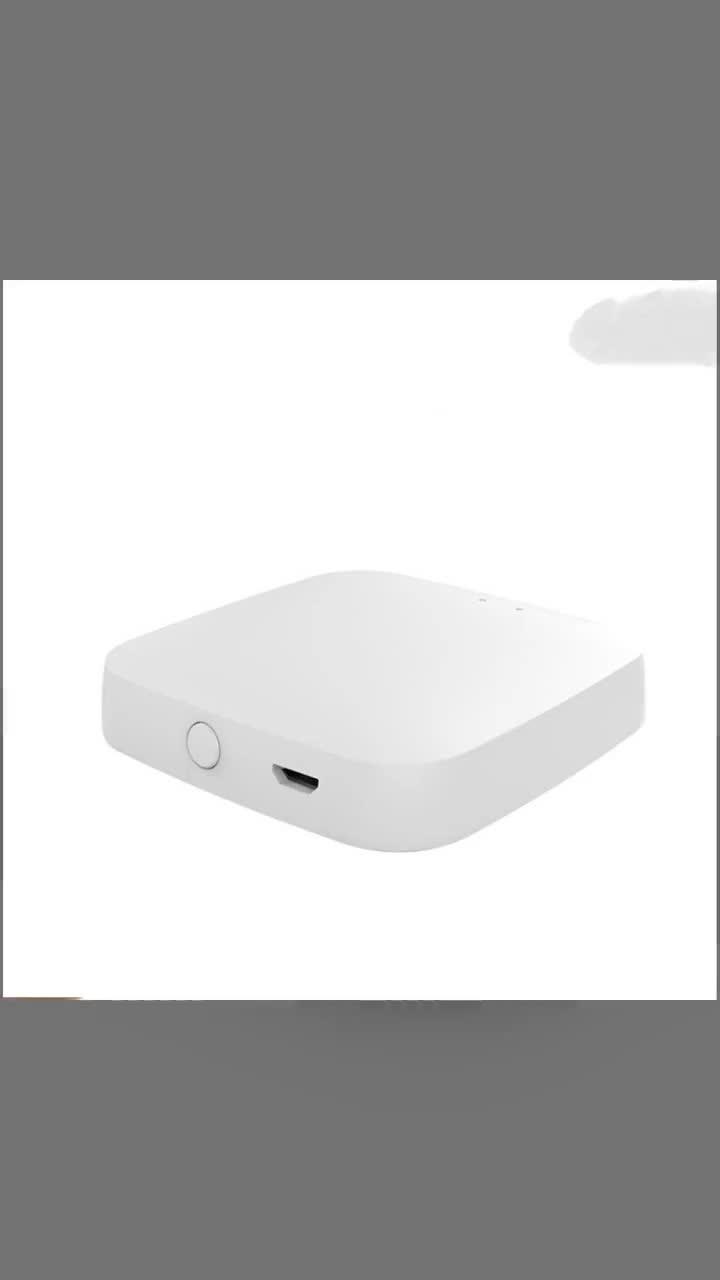 Tuya Smart Home GatewayA central hub that links Zigbee devices to the Tuya / Smart Life app.Watch the reel →
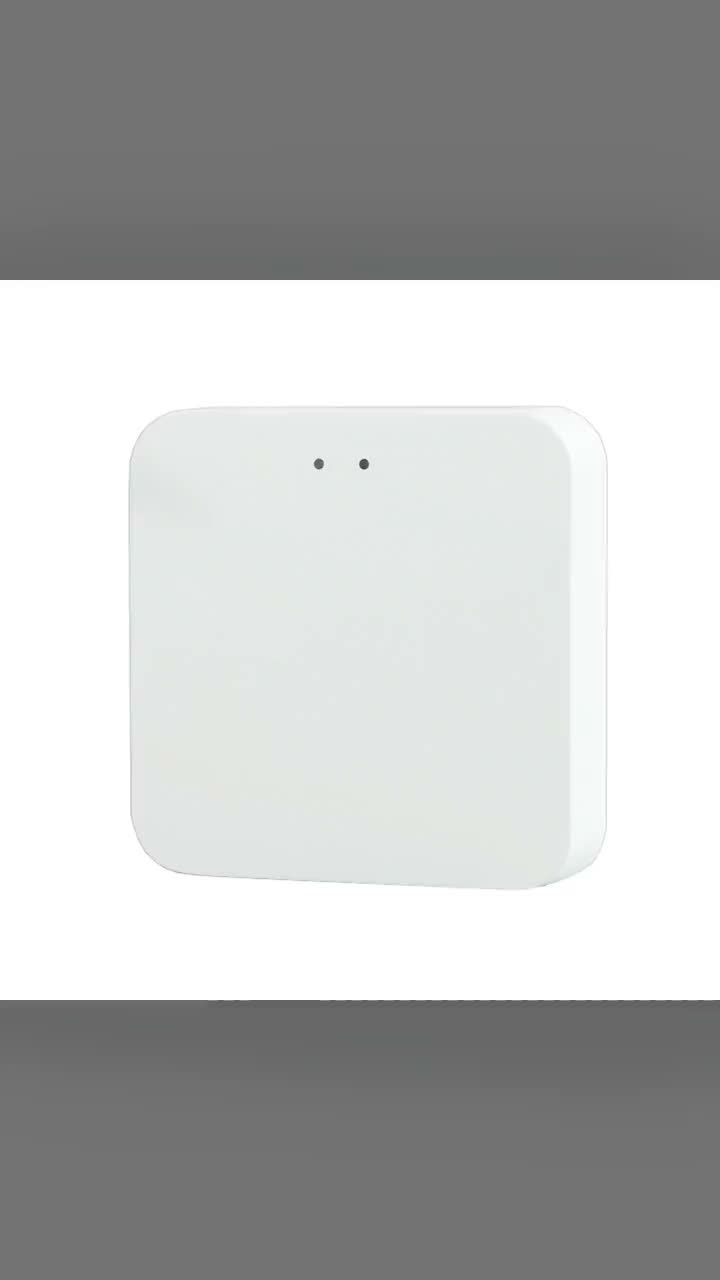 Multi-Mode Gateway (Zigbee + Bluetooth Mesh)One small hub for both Zigbee and Bluetooth mesh devices, powered over 5 V.Watch the reel →
Which should you choose?
- One to five devices, mostly plugs and lights: start with Wi-Fi. No hub, lowest cost.
- Lots of sensors around the house: go Zigbee with one gateway. Batteries last longer and your router stays uncluttered.
- A mix: very common, and fine. Many Tuya-based Wi-Fi and Zigbee devices live side by side in the same Tuya / Smart Life app.
A word on Matter: it is a newer industry standard meant to make devices from different brands work together. It is promising, but only buy for Matter if a listing explicitly says the device supports it.
Voice assistants and apps
Many of the devices below run on the Tuya platform, which means one app for everything and links to Amazon Alexa and Google Assistant. Once connected you can say "turn off the lamp" or build routines such as "when the front door opens after sunset, switch on the hallway light".
A starter kit, room by room
- Front door: a door sensor that sends a phone alert when it opens.
- Hallway: a motion sensor to switch a light on at night.
- Kitchen and bathroom: a water leak sensor under the sink or washing machine.
- Living room: a smart socket on a lamp or fan, with a schedule.
- Bedroom or nursery: a temperature and humidity sensor.
- Windows: a curtain motor that opens with the morning alarm.
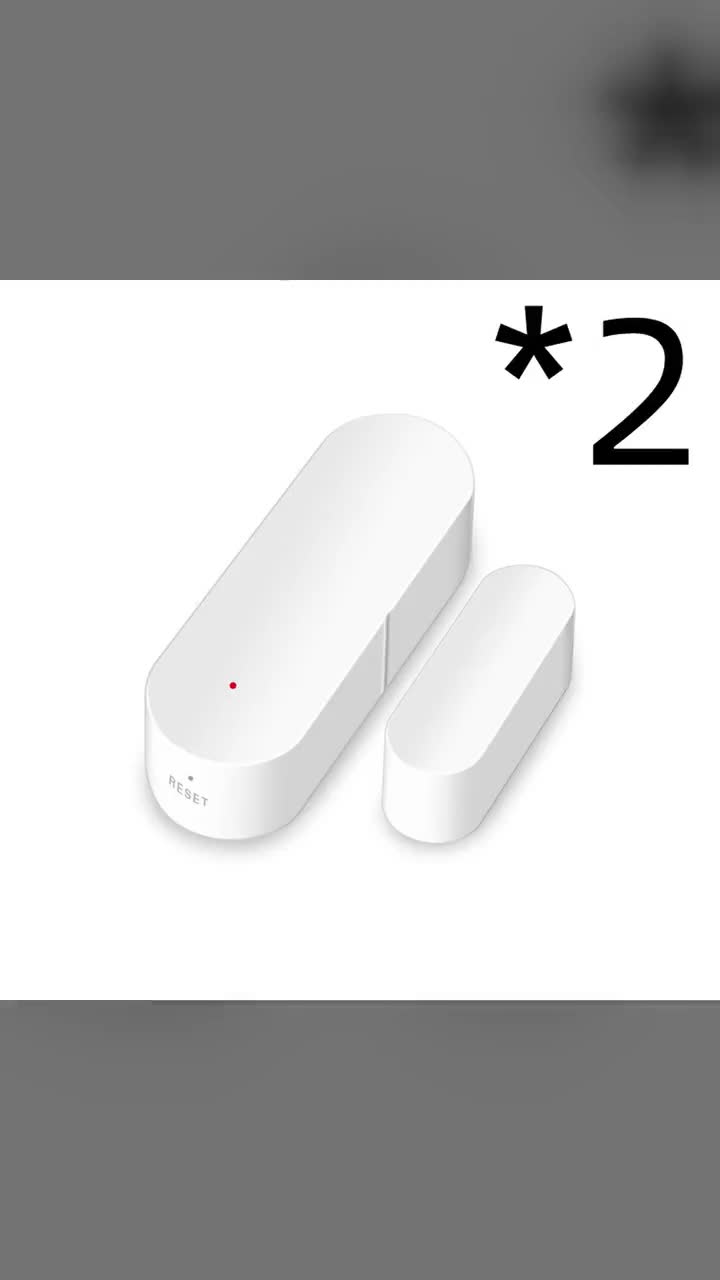 Tuya Smart Wi-Fi Door SensorNo hub needed. Phone alerts when a door or window opens; works with Alexa and Google.Watch the reel →
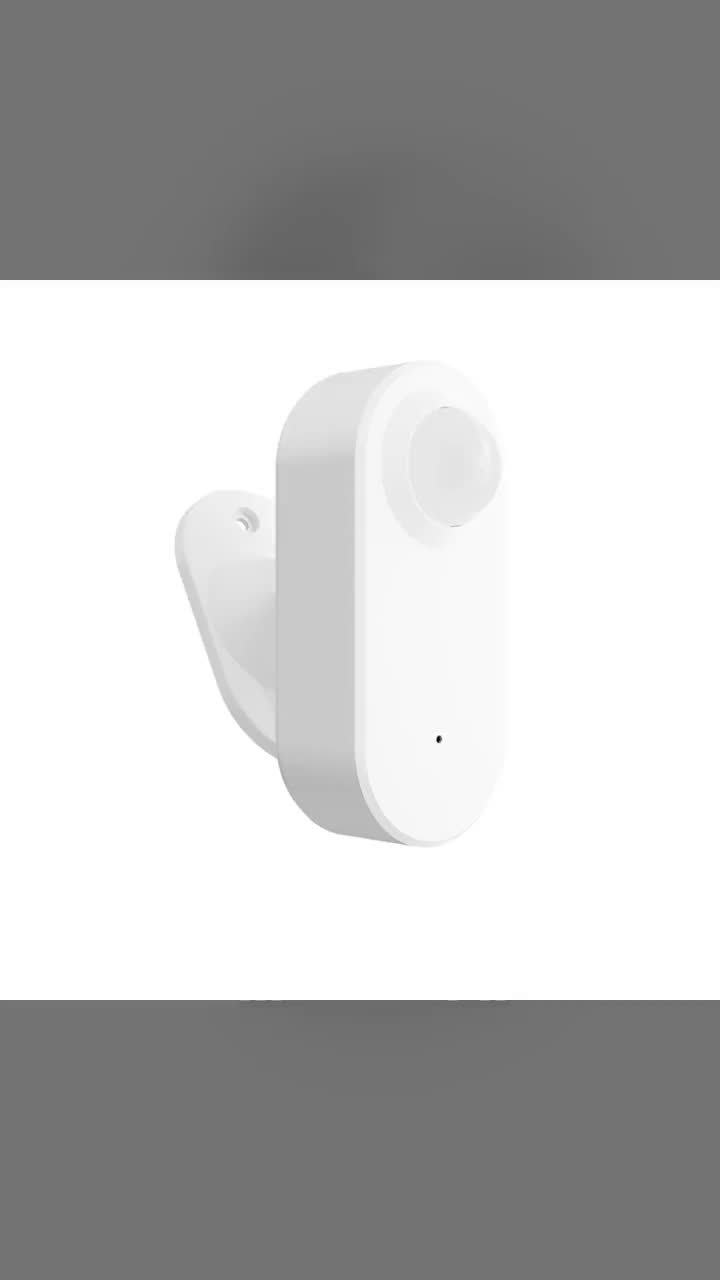 Zigbee / Wi-Fi Motion SensorSold in a Wi-Fi version and a Zigbee version, so pick the one that suits your setup.Watch the reel →
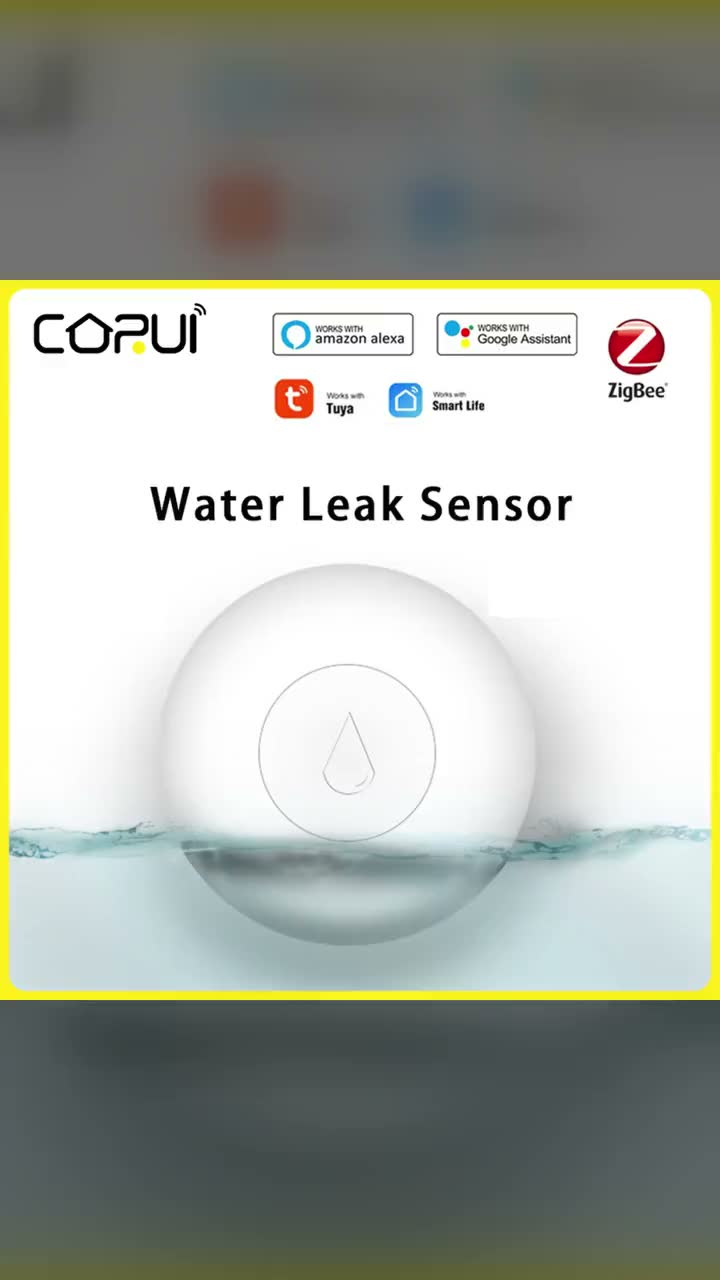 Zigbee Water Leak SensorWarns you about a leak under a sink or washing machine. Needs a Zigbee gateway.Watch the reel →
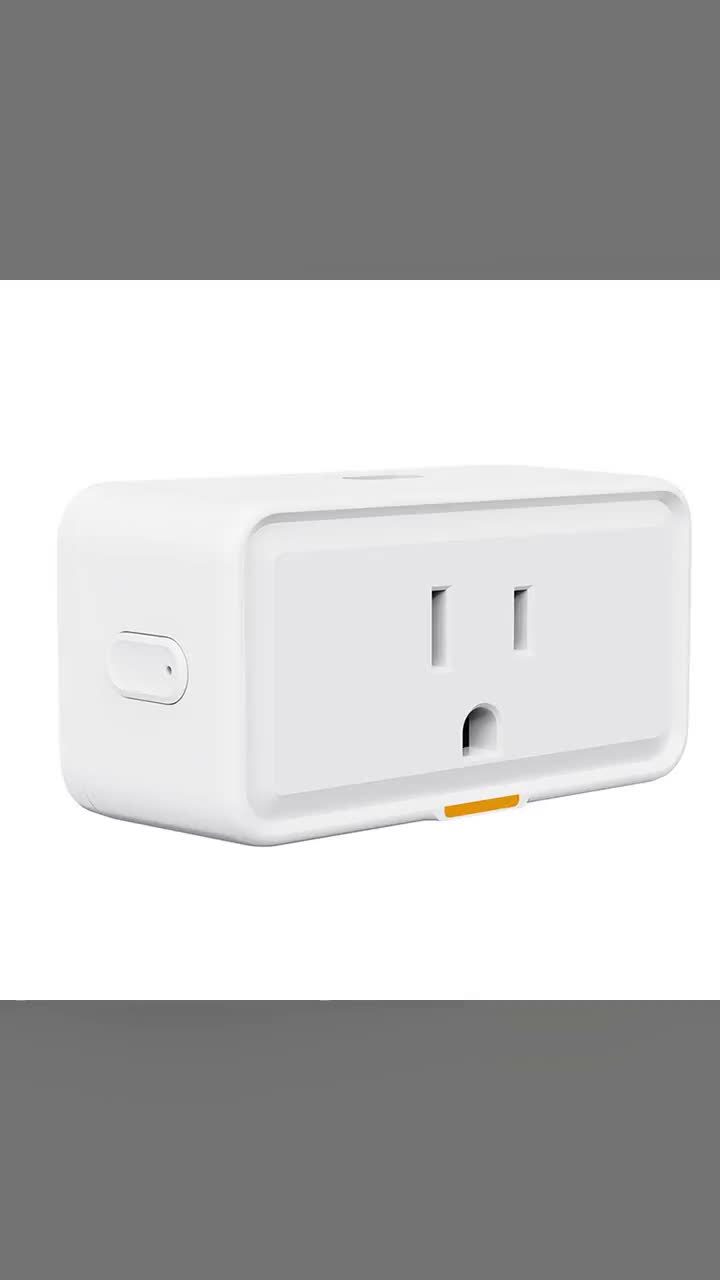
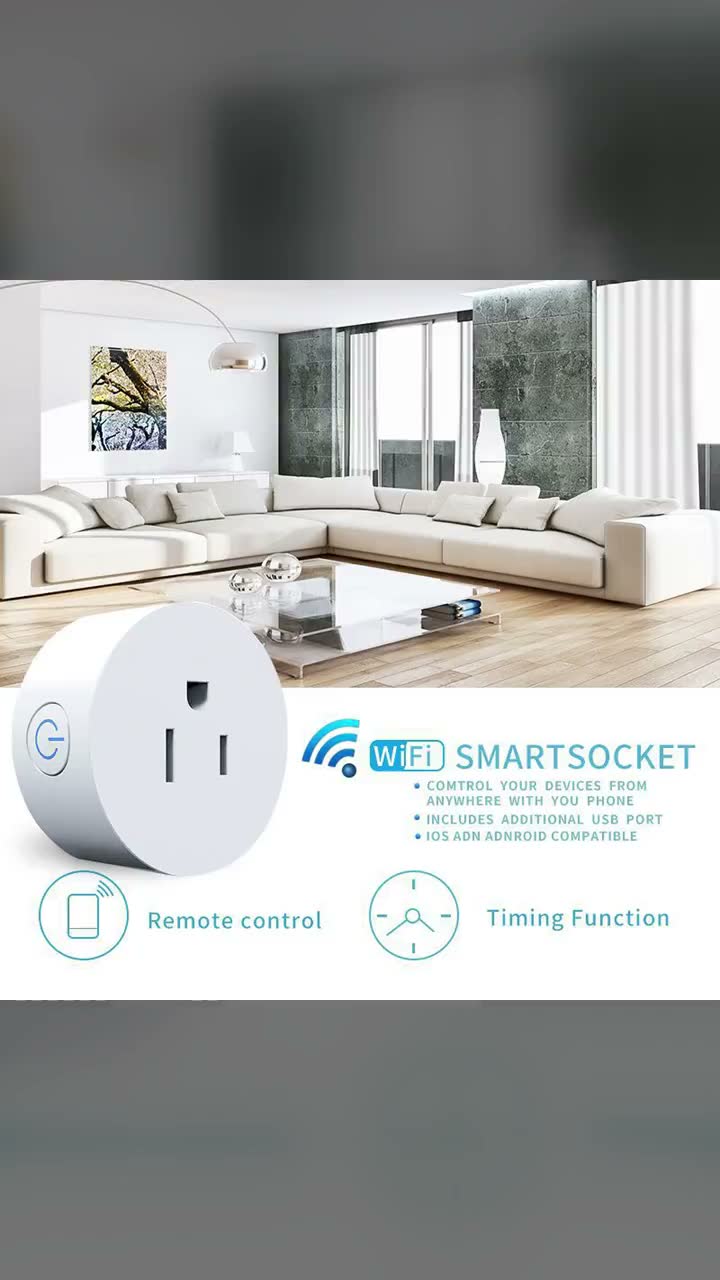 Voice Control Wi-Fi Smart SocketSchedules and voice control for any plug-in appliance, through the Tuya app.Watch the reel →
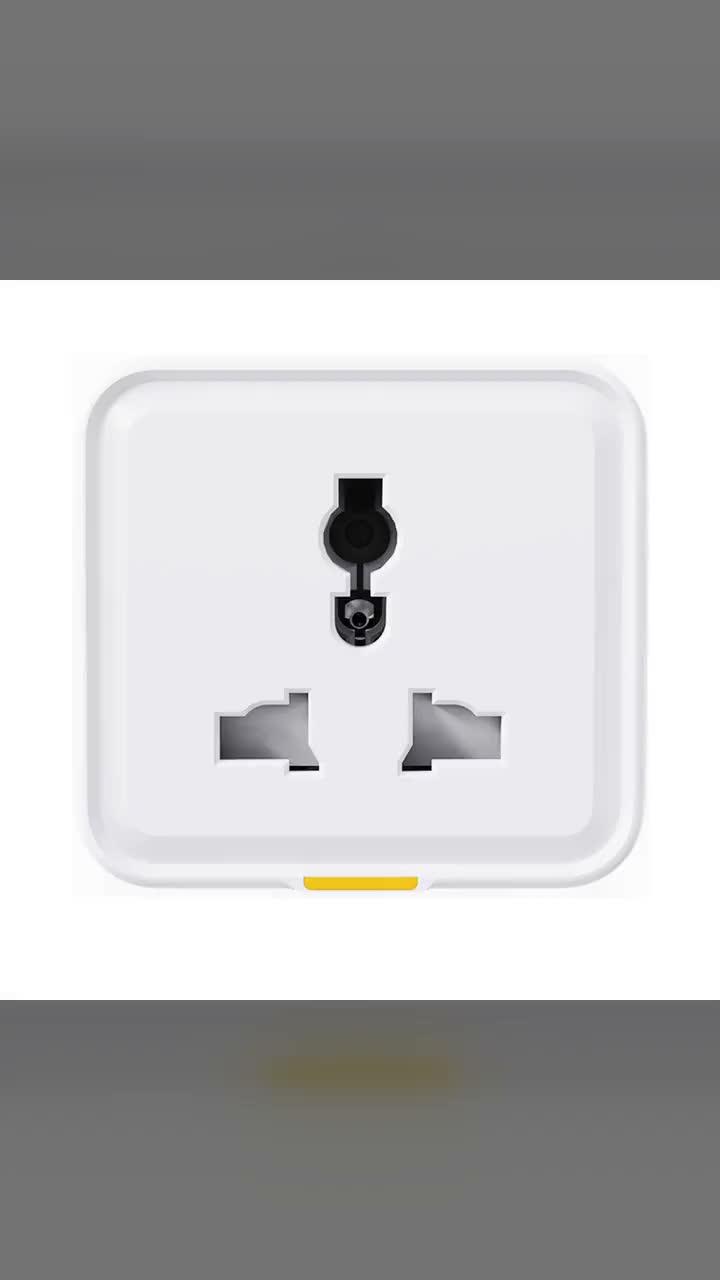 Zigbee Universal Smart SocketA mains-powered Zigbee plug, in EU, UK or US style, that also strengthens the mesh.Watch the reel →
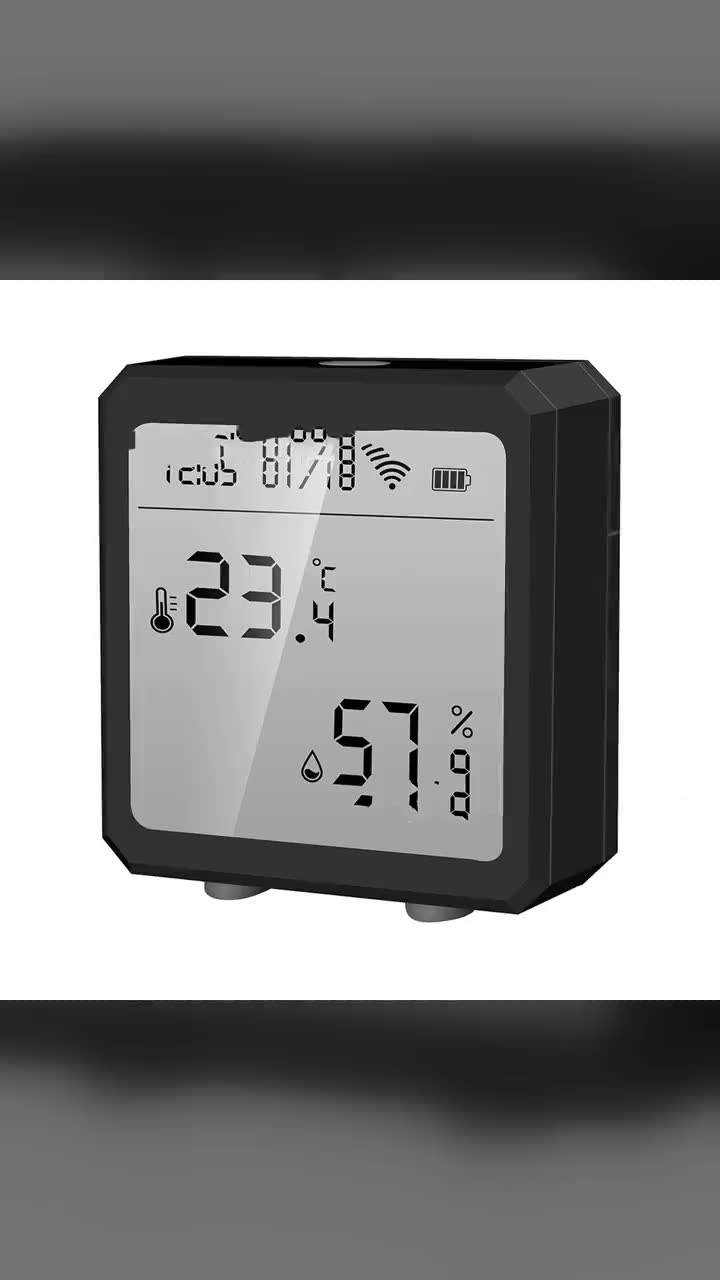 Wi-Fi Temperature & Humidity SensorRuns on 3 AAA batteries and alerts you when a room gets too hot, cold or damp.Watch the reel →
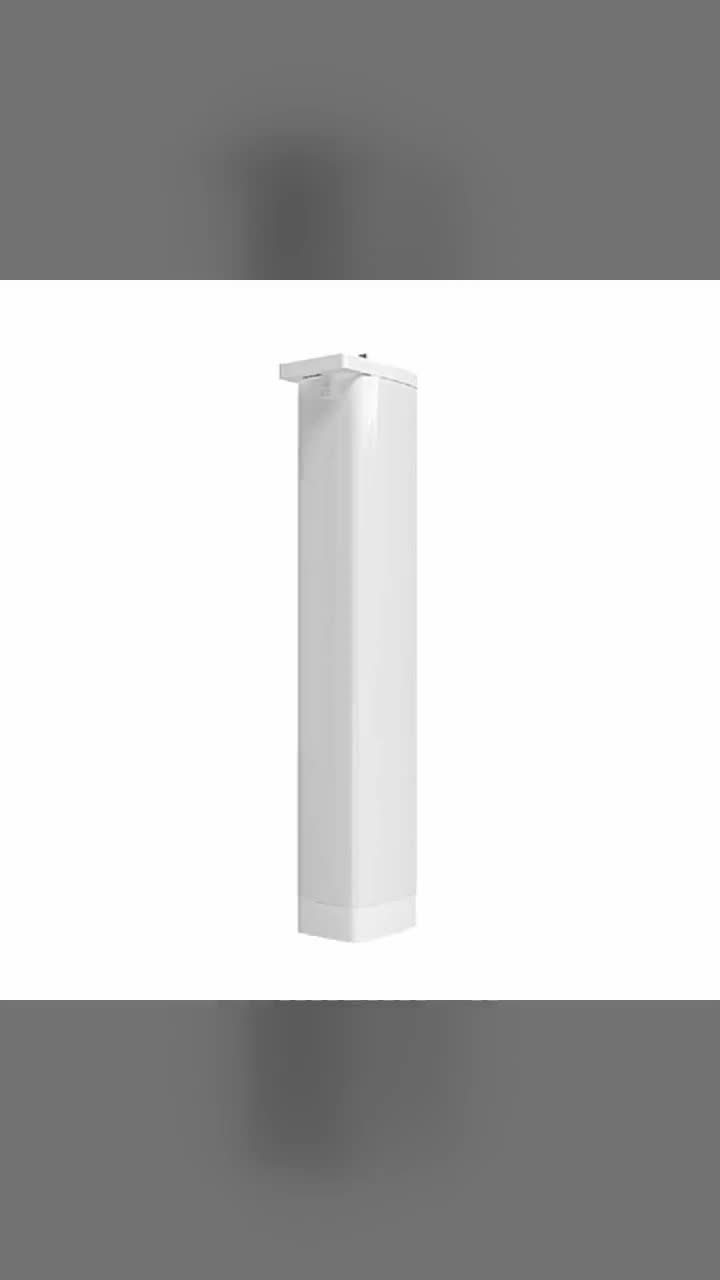 Zigbee Electric Curtain MotorOpens and closes curtains up to 50 kg on a schedule or by voice.Watch the reel →
Before you buy
- Pick the right plug type. Sockets and plugs come in US, EU, UK and other standards. Make sure the version you order matches the sockets in your country.
- Check the radio in the listing. Some products are sold in both a Wi-Fi and a Zigbee version. Choose the one that matches your setup.
- Wired devices need care. Wall sockets, switches and curtain motors that connect to mains power should be installed by a qualified electrician where your local rules require it.
- Watch the reel to see the size of a sensor and how it mounts, then read the specs underneath.
Browse every smart-home product in Home & Living, and if you are setting up a whole office or rental portfolio, you can request a bulk quote.