Smart home
Control Your Old AC and TV from Your Phone with a Smart IR Remote
A smart IR remote (an infrared blaster) connects to Wi-Fi and sends the same infrared signals as your existing remotes, so you can control air conditioners, TVs, fans and set-top boxes from your phone, by voice or on a schedule. It only works with devices that use infrared remotes and needs a clear line of sight to them.
Many perfectly good appliances, such as air conditioners, fans and older TVs, are "dumb" only because they use an infrared remote. A smart IR remote fixes that for very little money.
How it works
The blaster connects to your 2.4 GHz Wi-Fi and contains infrared LEDs pointing in every direction. When you tap a button in the app, it sends exactly the same infrared code your original remote would.
What it can control
| Device | Works? |
|---|---|
| Air conditioners with IR remotes | Yes, the most popular use |
| TVs, set-top boxes, projectors | Yes |
| Fans and some heaters | Yes, if they have IR remotes |
| Devices with Bluetooth or radio remotes | No |
| Devices in another room | No, infrared needs line of sight |
Setting it up
- Place the blaster in the room with a clear view of your devices, often on a shelf facing them.
- Pair it in its app (most use Tuya or Smart Life; see our app guide).
- Add each device by brand from the code library, then test the buttons.
- If a device is not listed, use learning mode to copy buttons from its original remote.
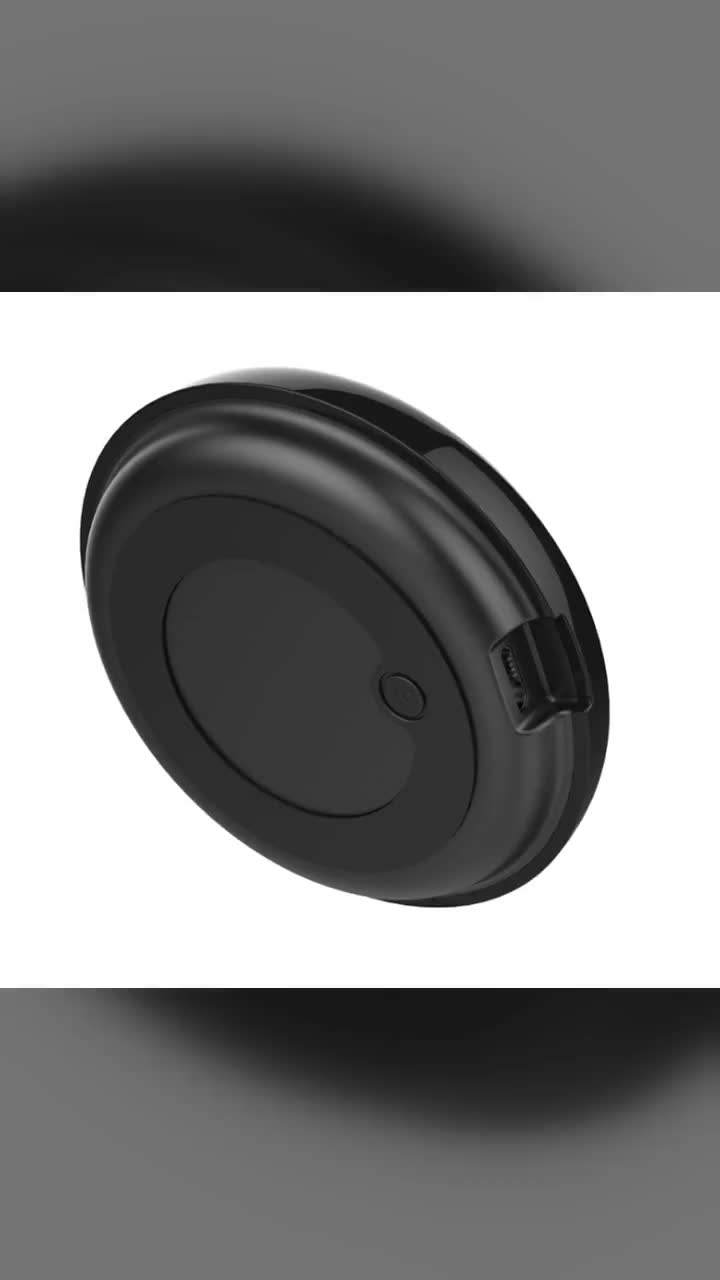 Wi-Fi Universal IR Remote360° infrared, a large code library, Alexa and Google support.Watch the reel →
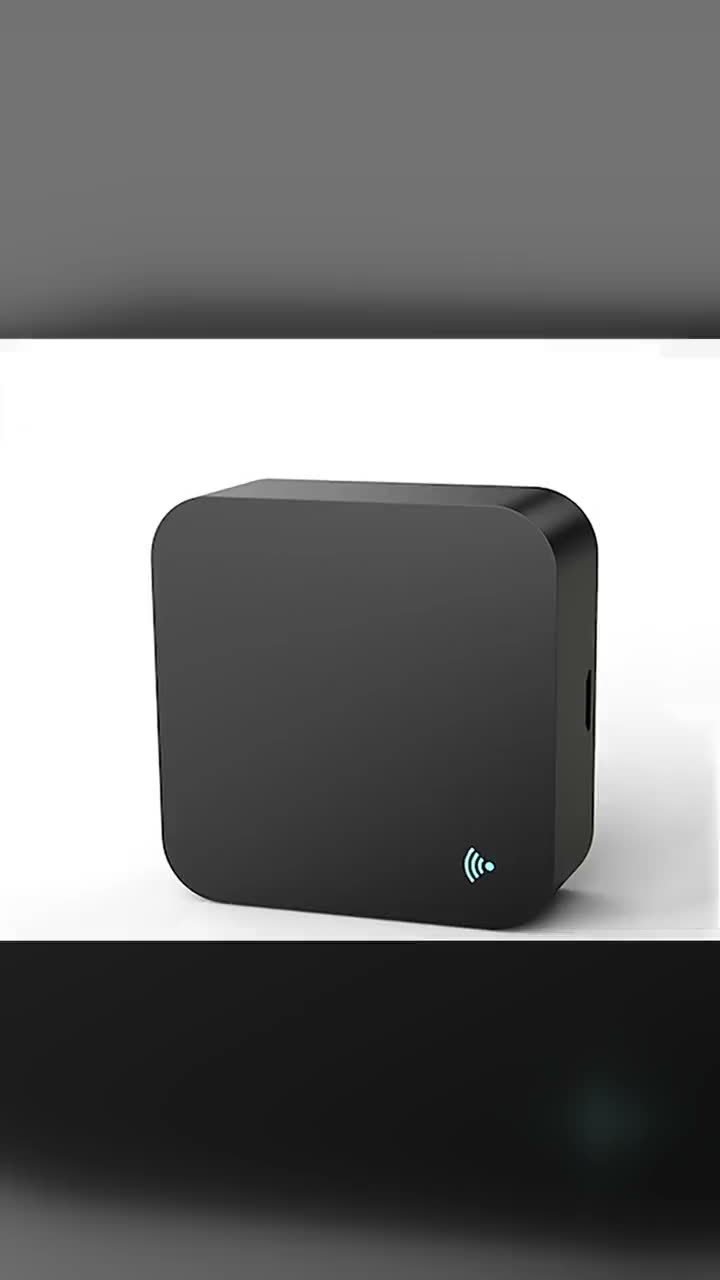 Tuya Universal Wi-Fi RemoteControl TVs, set-top boxes and more from the Tuya app.Watch the reel →
 IR Remote with Temperature SensorAlso measures room temperature and humidity for AC automations.Watch the reel →
The best automations
- Cool the bedroom before bed: AC on at 9:30 pm, off at 2 am.
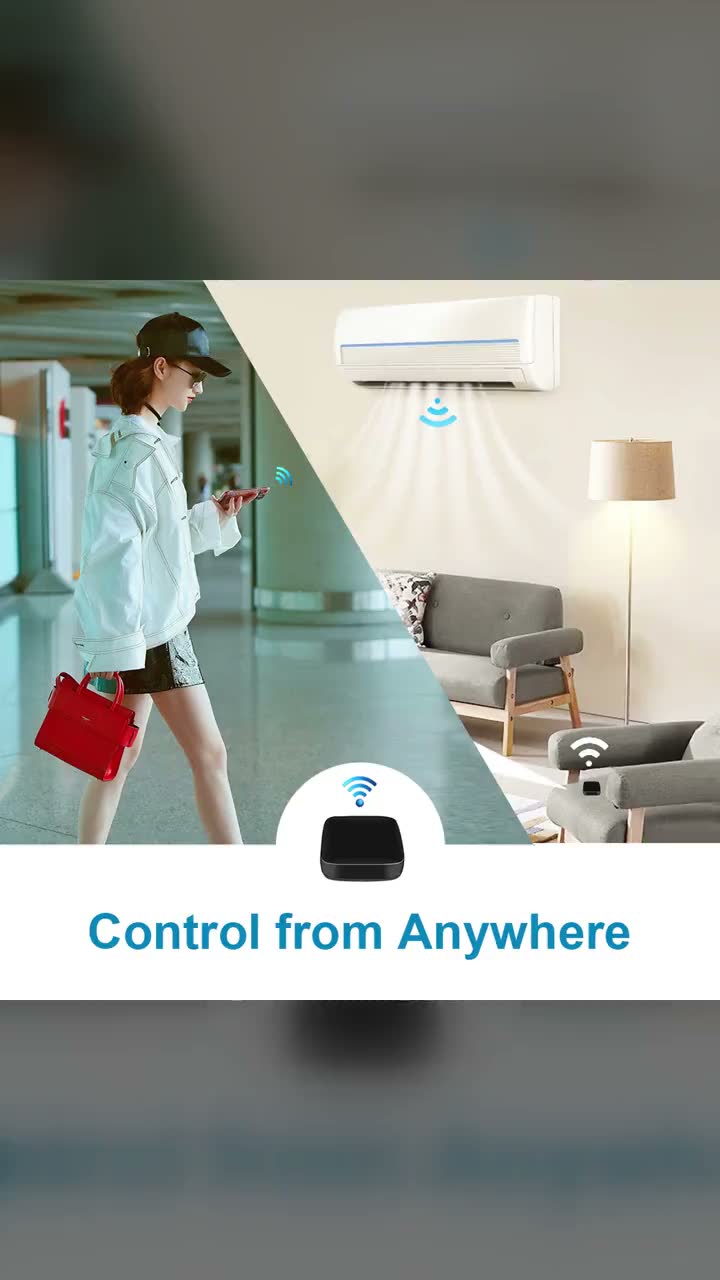
- Pre-cool on the way home: switch the AC on from your phone.
- Temperature-triggered AC: with a remote that measures room temperature, turn the AC on above a set temperature.
- Voice control: "Hey Google, turn on the living room fan."
- TV bedtime: turn the TV off at a set time.
Limits to know
Infrared is one-way, so the app cannot confirm whether a device is actually on. If someone uses the original remote, the app's status may be wrong. Keep the original remotes as a backup.
For more ways to make an older home smart, see smart home for renters and 12 clever ways to use a smart plug.
Frequently asked questions
Which devices can a smart IR remote control?
Anything that came with an infrared remote: most air conditioners, TVs, fans, set-top boxes, projectors and some lights. It cannot control devices that use Bluetooth or radio remotes.
Does the IR blaster need to see the device?
Yes. Infrared needs a line of sight or a nearby reflecting wall, so place the blaster in the same room with a clear view of the devices.
Will the app know if my AC is on or off?
Not reliably. Infrared is one-way, so the app shows the last command it sent. If someone uses the original remote, the app will not know.
What if my device isn't in the code library?
Most smart IR remotes can learn codes: point your original remote at the blaster, press the button, and save it as a custom button in the app.