Smart home
Alexa vs Google Assistant for a Budget Smart Home
Both Alexa and Google Assistant control the same affordable Tuya-based smart devices well. Choose Alexa if you want cheap Echo speakers and flexible routines, and Google Assistant if you use Android and Google services. The best choice is usually the one that matches the speakers and phone you already own.
Voice control is where a smart home starts to feel effortless: "turn off the lamp", "close the curtains", "set the AC to 24". Both big assistants do it well; the differences are in the details.
The quick comparison
| Amazon Alexa | Google Assistant | |
|---|---|---|
| Speakers and displays | Echo range, often very affordable | Nest range |
| Phone integration | Alexa app on Android and iPhone | Built into Android; Google app on iPhone |
| Smart-home routines | Flexible, many trigger types | Good, improving |
| Understanding questions | Good | Very good |
| Works with Tuya / Smart Life | Yes | Yes |
Choose Alexa if…
- You want cheap speakers in several rooms.
- You like building routines with many steps and triggers.
- Your household uses a mix of iPhone and Android.
Choose Google Assistant if…
- You use Android and Google services such as Calendar and Maps.
- You ask lots of general questions as well as controlling devices.
- You already own Nest speakers or a Chromecast.
Or use both
Tuya-based devices can link to both assistants at once. A kitchen Echo and an Android phone can control the same lamp.
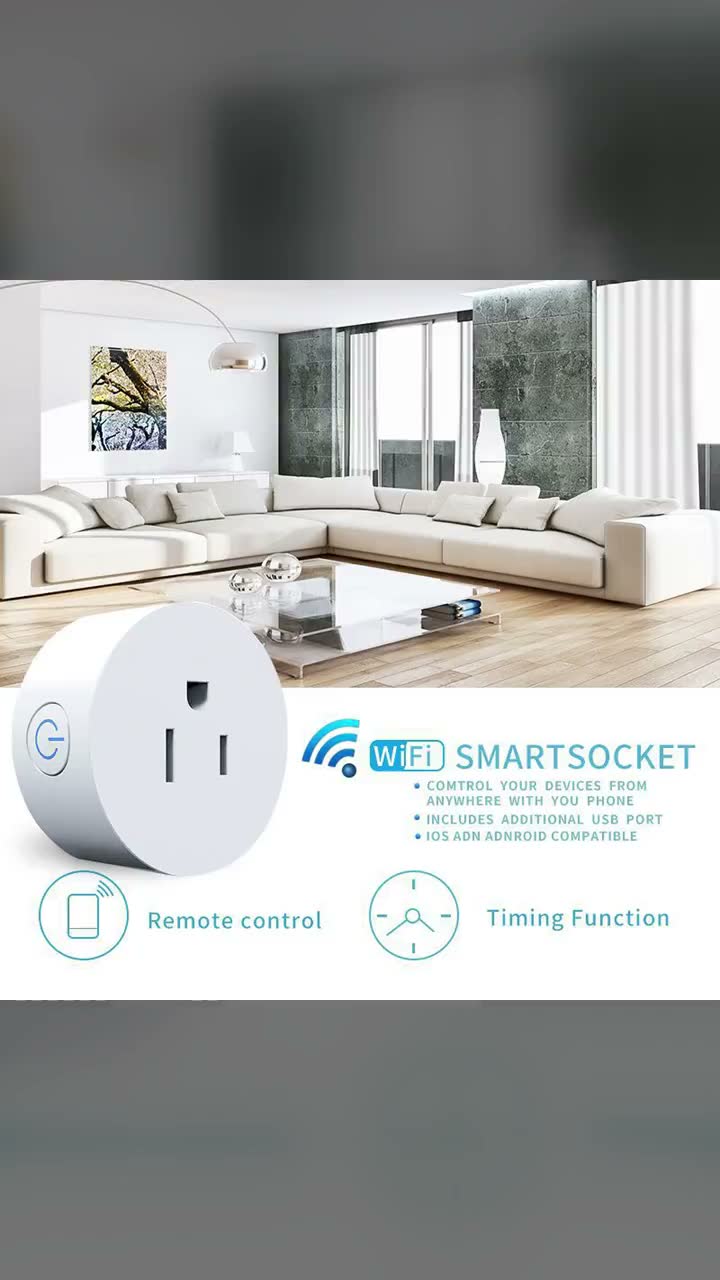 Voice Control Wi-Fi Smart SocketWorks with Alexa and Google Home through the Tuya app.Watch the reel →
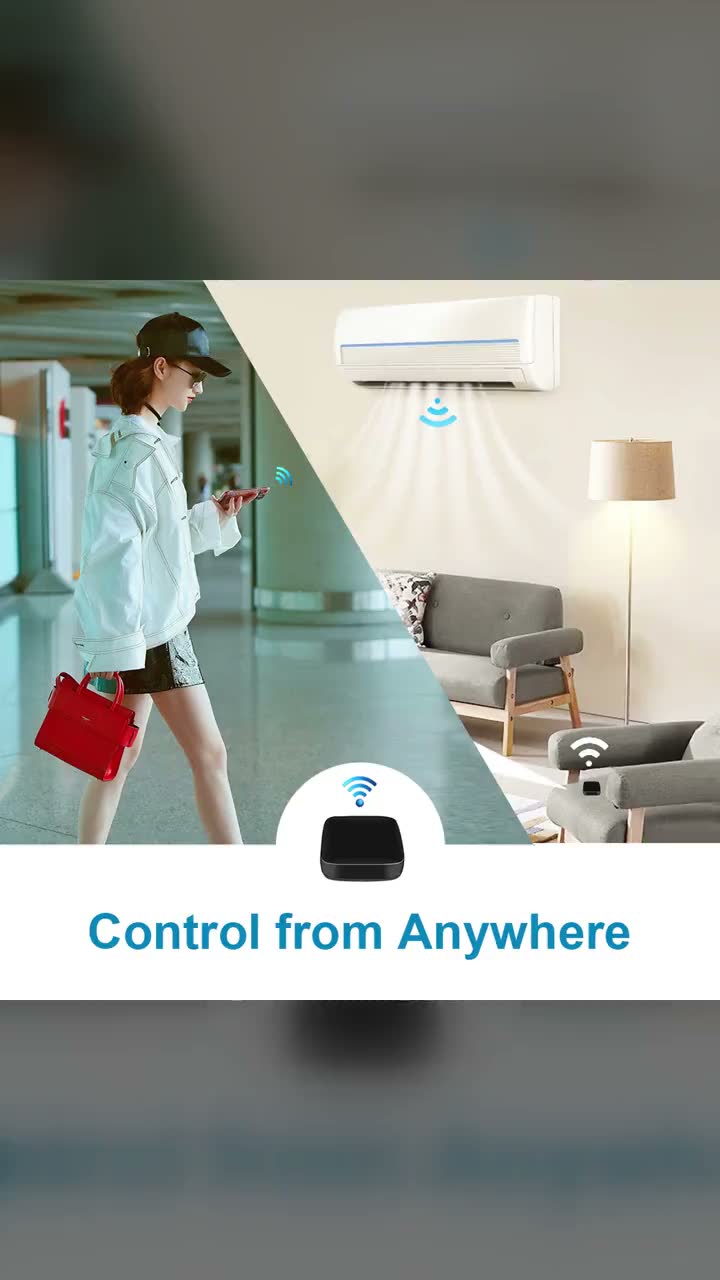 Voice Control IR RemoteVoice-control your AC, TV or fan through infrared.Watch the reel →
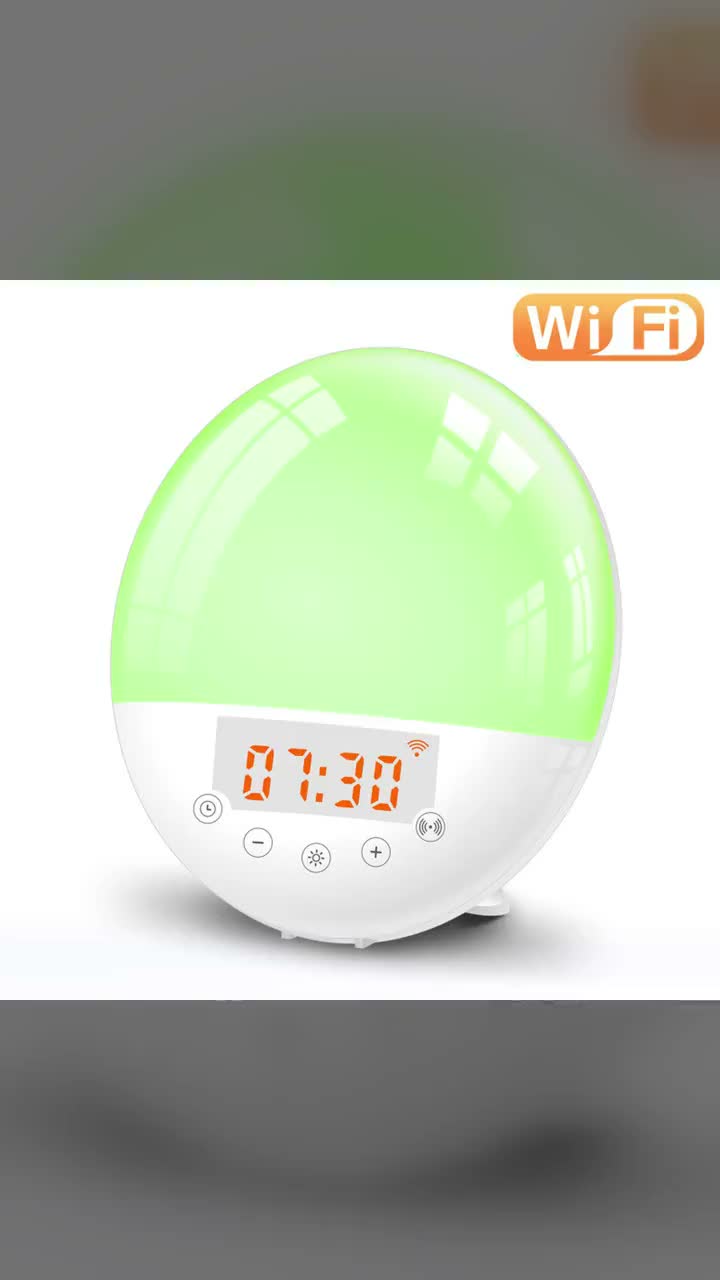 Voice Control Sunrise AlarmA wake-up light you can control by voice and app.Watch the reel →
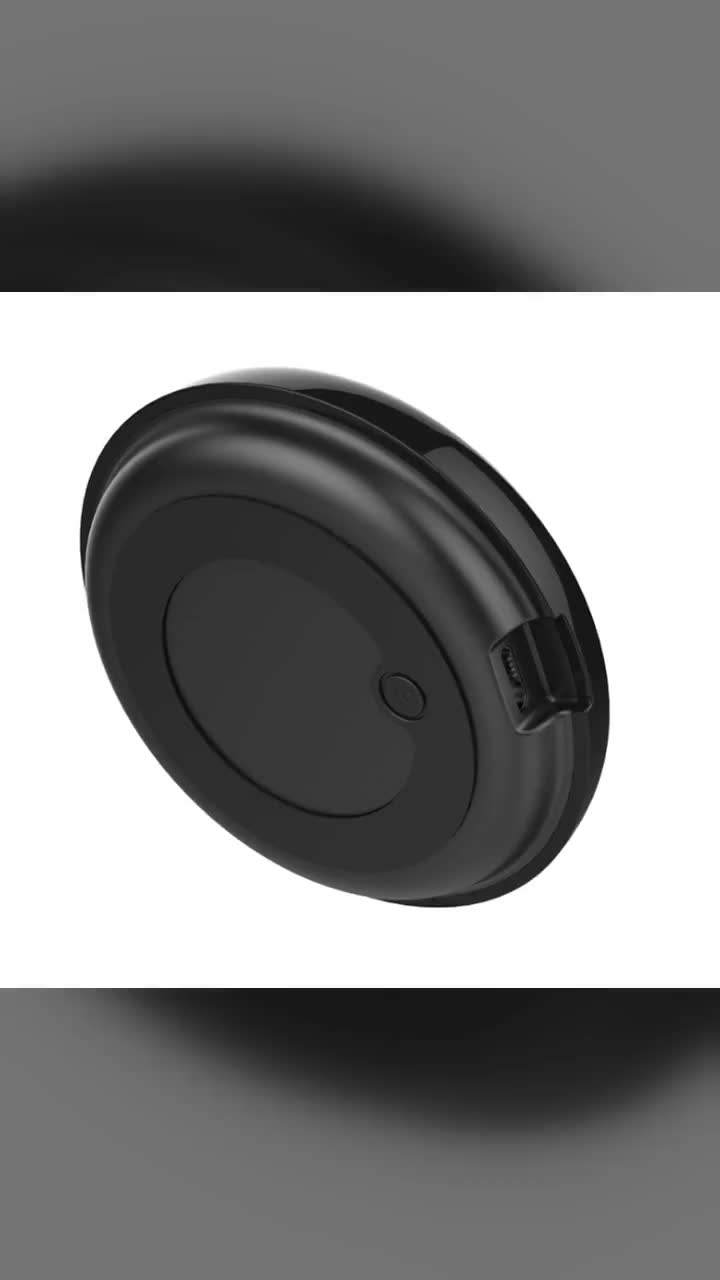 Wi-Fi Universal IR Remote360° infrared with Alexa and Google support.Watch the reel →
Setting up voice control
- Set up devices in the Tuya or Smart Life app.
- Alexa: in the Alexa app, enable the Smart Life skill and sign in.
- Google: in Google Home, choose "Works with Google" and select Smart Life.
- Ask the assistant to discover devices.
- Group devices by room so "turn off the bedroom" works.
Tips for reliable voice control
- Use short, distinct names: "desk lamp", not "lamp 2".
- Avoid two devices with similar names in one room.
- Put devices in rooms in the assistant's app.
- Use automations for things that should just happen, such as lights at sunset, and voice for exceptions.
Privacy
Voice assistants listen for their wake word. Review and delete recordings in the assistant's app, use the speaker's microphone-off button when you want privacy, and do not put a smart speaker where sensitive conversations happen.
Next: 12 clever ways to use a smart plug and control your AC with a smart IR remote.
Frequently asked questions
Do Tuya devices work with both Alexa and Google?
Yes. Link your Tuya Smart or Smart Life account once in each assistant's app and the same devices appear in both, so you can even use both in one home.
Do I need a smart speaker to use voice control?
No. You can use the Alexa app or Google Assistant on your phone. A speaker or display simply makes it hands-free around the house.
Which is better for routines and automations?
Both handle schedules and simple triggers. Alexa routines are often seen as more flexible for smart-home actions; Google is strong at understanding natural requests. The device app (such as Smart Life) can also run automations without either.
What about Apple HomeKit?
Most budget Tuya devices do not support HomeKit directly. Apple users usually control them through the Smart Life app, or choose devices that list Matter or HomeKit support.